
IPTV Buffering & Freezing: 10 Fixes for Morocco & Europe
Fix IPTV buffering, lag and freezing in Morocco and Europe: internet speed, Wi-Fi, server choice, app settings and hardware tips.
IPTV buffering is the #1 complaint in Morocco and Europe. Here are 10 proven fixes.
1. Check real internet speed
Run a speed test during peak hours. Minimum:
- 10 Mbps — SD/HD
- 25 Mbps — Full HD
- 40 Mbps+ — 4K live sports
2. Use Ethernet not Wi-Fi
Cable connection to your TV/box eliminates Wi-Fi interference — critical for Botola and Champions League.
3. Switch IPTV server
Ask your provider for an alternative server (EU for Europe, optimized for Morocco).
4. Lower stream quality
Set player to Auto or 720p if bandwidth is limited.
5. Close background apps
On Fire Stick and Android box, free RAM before live events.
6. Update your IPTV app
TiviMate, Smarters — always use latest version.
7. Change DNS
Try Google DNS (8.8.8.8) or Cloudflare (1.1.1.1) on your router.
8. Avoid peak hours testing
Test stability Friday/Saturday evenings — when it matters most.
9. Upgrade router
Old routers limit 4K streams on multiple devices.
10. Choose a premium provider
Cheap resellers overload servers. IPTV MAROC 4K offers stable peak-time streams.
FAQ
Why does IPTV buffer during matches?
Peak server load, slow Wi-Fi, insufficient bandwidth or ISP throttling. Use Ethernet, 40 Mbps+ for 4K and ask your provider for a sport-optimized server.
Does VPN help buffering?
Sometimes if your ISP throttles streaming. Test with and without VPN on your connection.
Related articles

IPTV 4K: How Much Internet Speed Do You Need? (Morocco & Europe)
Internet speed requirements for IPTV 4K in Morocco and Europe: Mbps per quality, multi-screen, fibre vs 4G and practical tests.
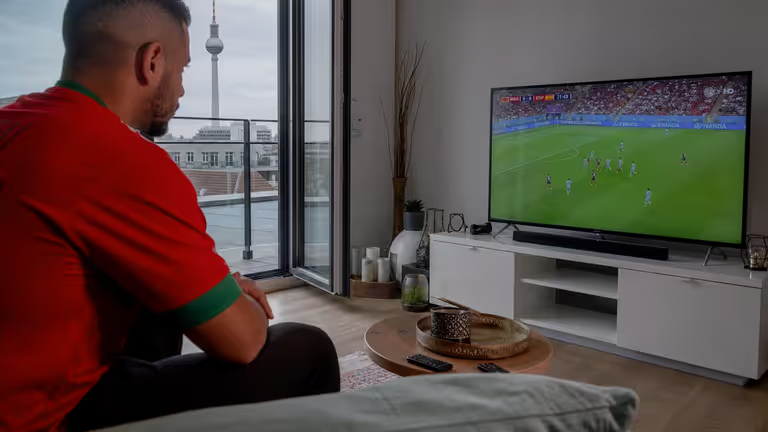
How to Install IPTV on Smart TV (Samsung, LG, Android) — Morocco & Europe 2026
Complete IPTV Smart TV installation guide: Samsung Tizen, LG webOS, Android TV, apps, Xtream setup and troubleshooting.
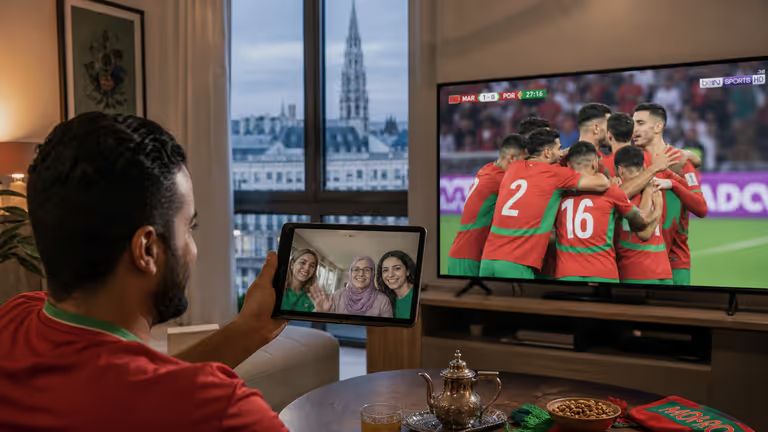
IPTV Android Box Morocco: Best Apps & Boxes 2026 (TiviMate, Smarters)
Best Android TV boxes and IPTV apps for Morocco: TiviMate, IPTV Smarters, setup tips, 4K performance and troubleshooting.