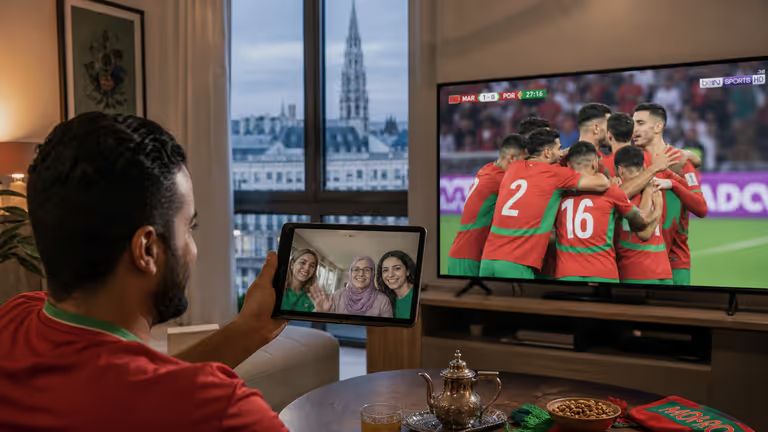
IPTV Android Box Morocco: Best Apps & Boxes 2026 (TiviMate, Smarters)
Best Android TV boxes and IPTV apps for Morocco: TiviMate, IPTV Smarters, setup tips, 4K performance and troubleshooting.
An Android TV box is the most flexible IPTV device in Morocco — powerful apps, 4K output and multi-screen support.
Best IPTV apps 2026
| App | Best for | Notes |
|---|---|---|
| TiviMate | Power users | Best EPG, recording |
| IPTV Smarters | Beginners | Xtream/M3U login |
| OTT Navigator | Large playlists | Advanced filtering |
Recommended boxes
- NVIDIA Shield — premium, smooth 4K
- Xiaomi Mi Box S — budget-friendly
- Generic Android 11 — 4GB RAM minimum
Setup steps
- Connect box to TV via HDMI
- Install app from Play Store or sideload APK
- Enter Xtream credentials from your provider
- Enable hardware decoding for 4K
Tips for Morocco
- Use Ethernet for live sports
- Minimum 25 Mbps for Full HD
- Install guide for Smart TV
Next step
IPTV Morocco subscription — instant activation via WhatsApp.
FAQ
Which Android box for IPTV in Morocco?
NVIDIA Shield, Xiaomi Mi Box or generic Android 11 boxes with 4GB RAM work well with TiviMate and IPTV Smarters.
TiviMate or Smarters?
TiviMate offers better EPG and UI; Smarters is easier for beginners with Xtream login.
Related articles
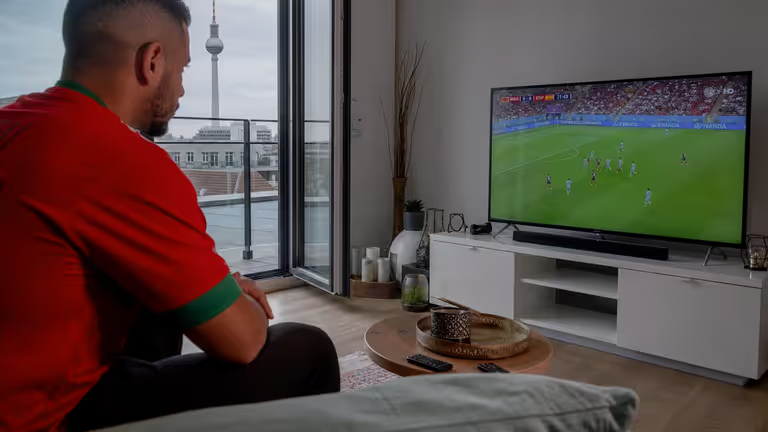
How to Install IPTV on Smart TV (Samsung, LG, Android) — Morocco & Europe 2026
Complete IPTV Smart TV installation guide: Samsung Tizen, LG webOS, Android TV, apps, Xtream setup and troubleshooting.

IPTV Fire Stick Morocco: Installation, Best Apps & Tips 2026
Install IPTV on Amazon Fire Stick in Morocco: IPTV Smarters, TiviMate sideload, M3U/Xtream setup and troubleshooting.
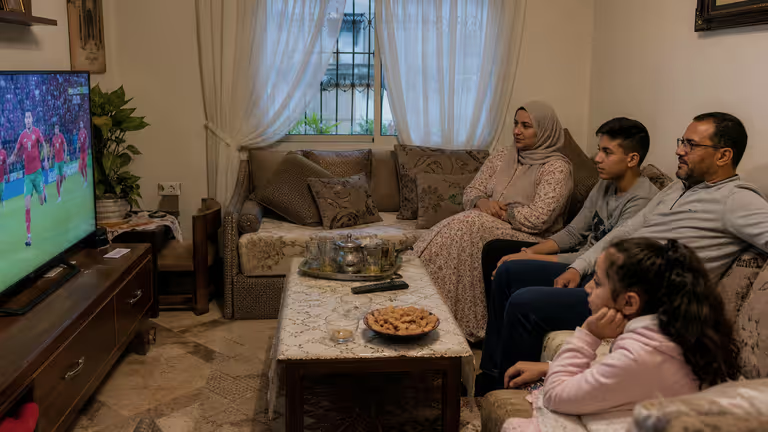
IPTV Buffering & Freezing: 10 Fixes for Morocco & Europe
Fix IPTV buffering, lag and freezing in Morocco and Europe: internet speed, Wi-Fi, server choice, app settings and hardware tips.