
IPTV Fire Stick Morocco: Installation, Best Apps & Tips 2026
Install IPTV on Amazon Fire Stick in Morocco: IPTV Smarters, TiviMate sideload, M3U/Xtream setup and troubleshooting.
The Amazon Fire Stick is the most popular IPTV device in Morocco — affordable, compact and 4K-ready.
Why Fire Stick?
- Low cost (~300–500 MAD)
- 4K HDR on any HDMI TV
- Portable — holidays, second home
- Apps — Smarters, TiviMate, VLC
Step-by-step installation
1. Enable unknown sources
Settings → My Fire TV → Developer Options → Apps from Unknown Sources
2. Install Downloader
Amazon App Store → search “Downloader”
3. Install IPTV Smarters
Enter APK URL from official source → install
4. Configure subscription
Login with Xtream Codes (server, username, password) from your provider
Performance tips
- Use 5 GHz Wi-Fi or Ethernet adapter
- Clear cache weekly
- Restart Fire Stick before big matches
Next step
FAQ
Does Fire Stick work for IPTV in Morocco?
Yes. Fire Stick 4K is very popular in Morocco — install via Downloader app and IPTV Smarters or TiviMate.
Do I need a VPN?
Not required in Morocco if your ISP doesn't block streams. Useful when travelling.
Related articles
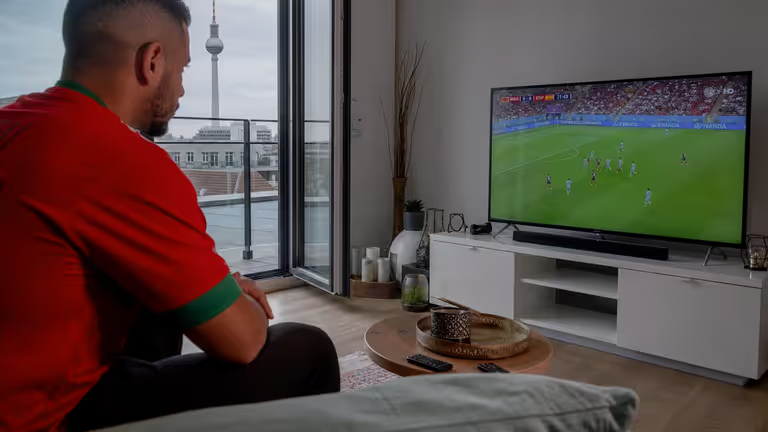
How to Install IPTV on Smart TV (Samsung, LG, Android) — Morocco & Europe 2026
Complete IPTV Smart TV installation guide: Samsung Tizen, LG webOS, Android TV, apps, Xtream setup and troubleshooting.
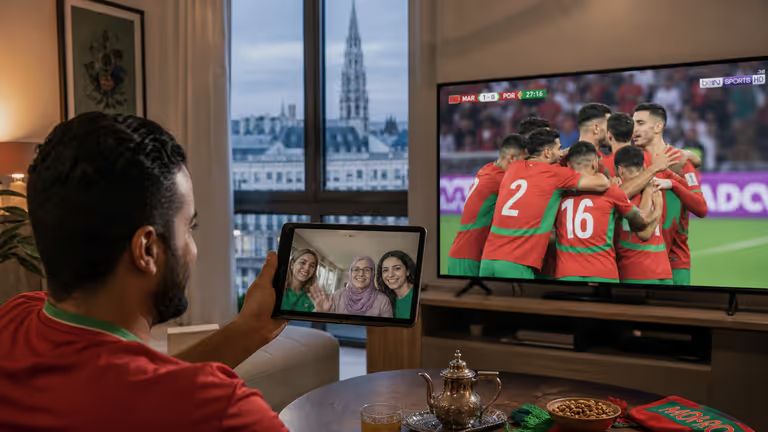
IPTV Android Box Morocco: Best Apps & Boxes 2026 (TiviMate, Smarters)
Best Android TV boxes and IPTV apps for Morocco: TiviMate, IPTV Smarters, setup tips, 4K performance and troubleshooting.
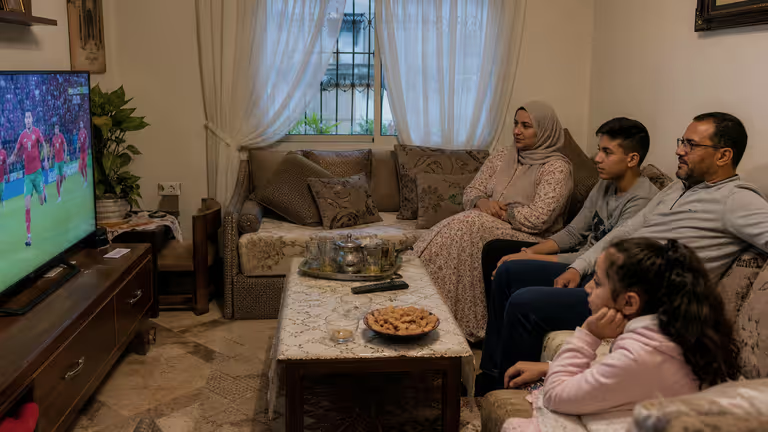
IPTV Buffering & Freezing: 10 Fixes for Morocco & Europe
Fix IPTV buffering, lag and freezing in Morocco and Europe: internet speed, Wi-Fi, server choice, app settings and hardware tips.